Peekaboo
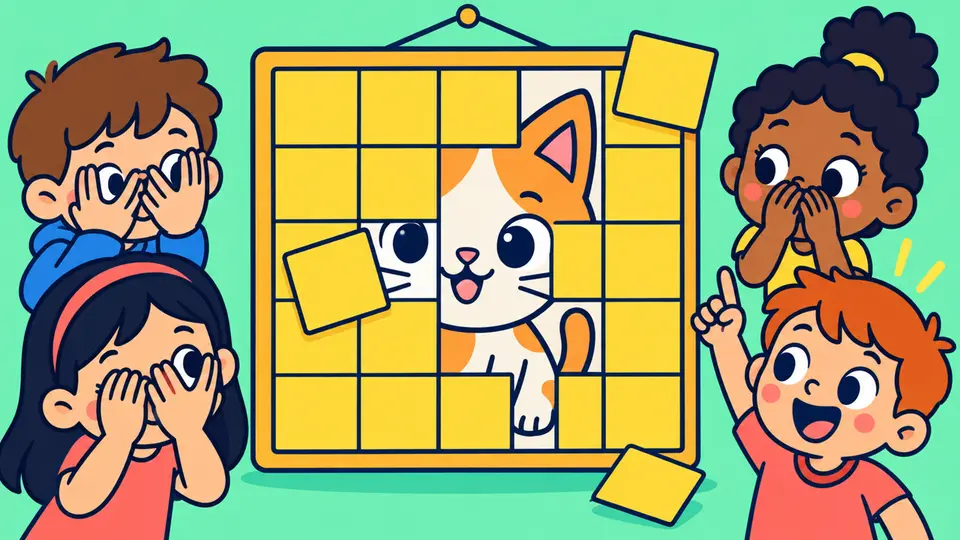
A secret picture appears bit by bit: tiles, zoom, blur or spotlight. Guess early for more points!
How to use Peekaboo in class
Guess the hidden picture before everyone else. Perfect for new vocabulary.
- Open a topic with pictures: Pictures come from your topic (or emojis). No pictures? The clue or question is hidden instead.
- Watch it appear: Tiles fall off, the picture zooms out, un-blurs or a spotlight moves around. Points go down every second.
- Tap the team: Who guessed it first? Tap their team (or press 1–8). Wrong guess? Press ✗ then the team: they're frozen this round.
Teacher tips
- Zoom mode is the hardest: great for older classes.
- Ask the winning team to make a sentence for a bonus.


